How to Move Parts
When a "Move" Icon Appears
① Select the part you want to move.
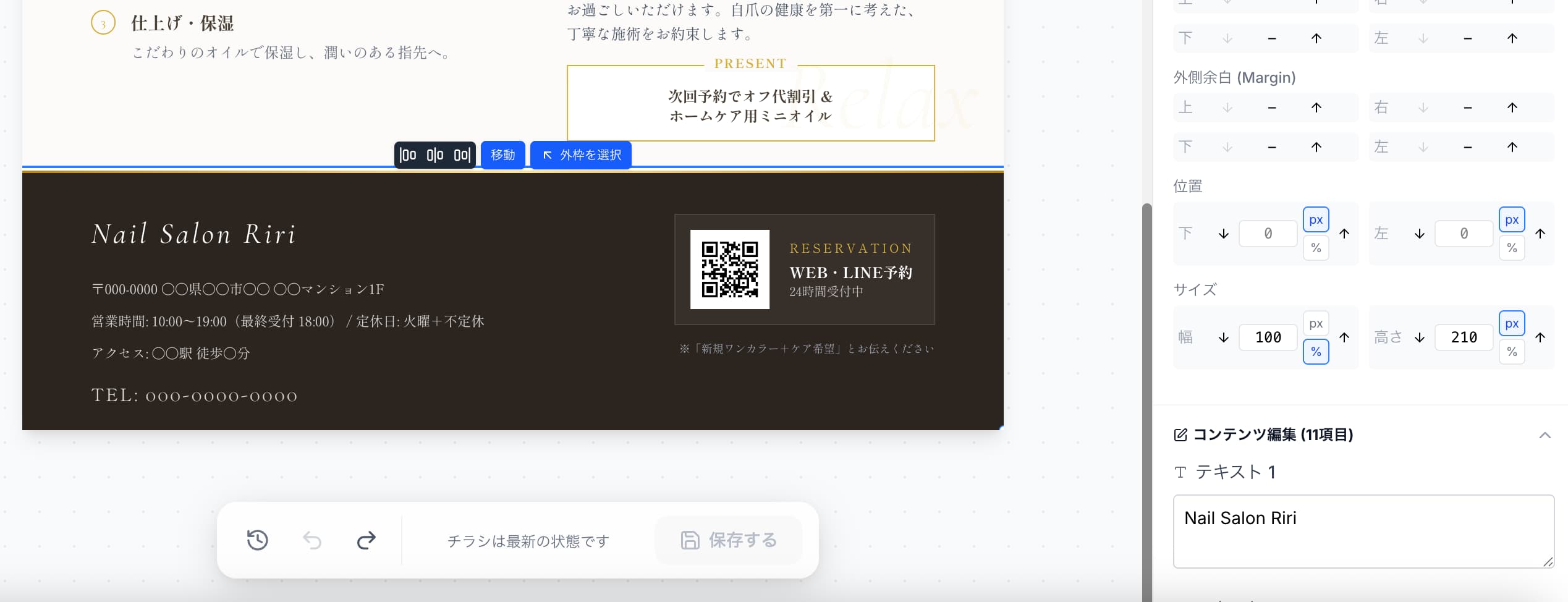
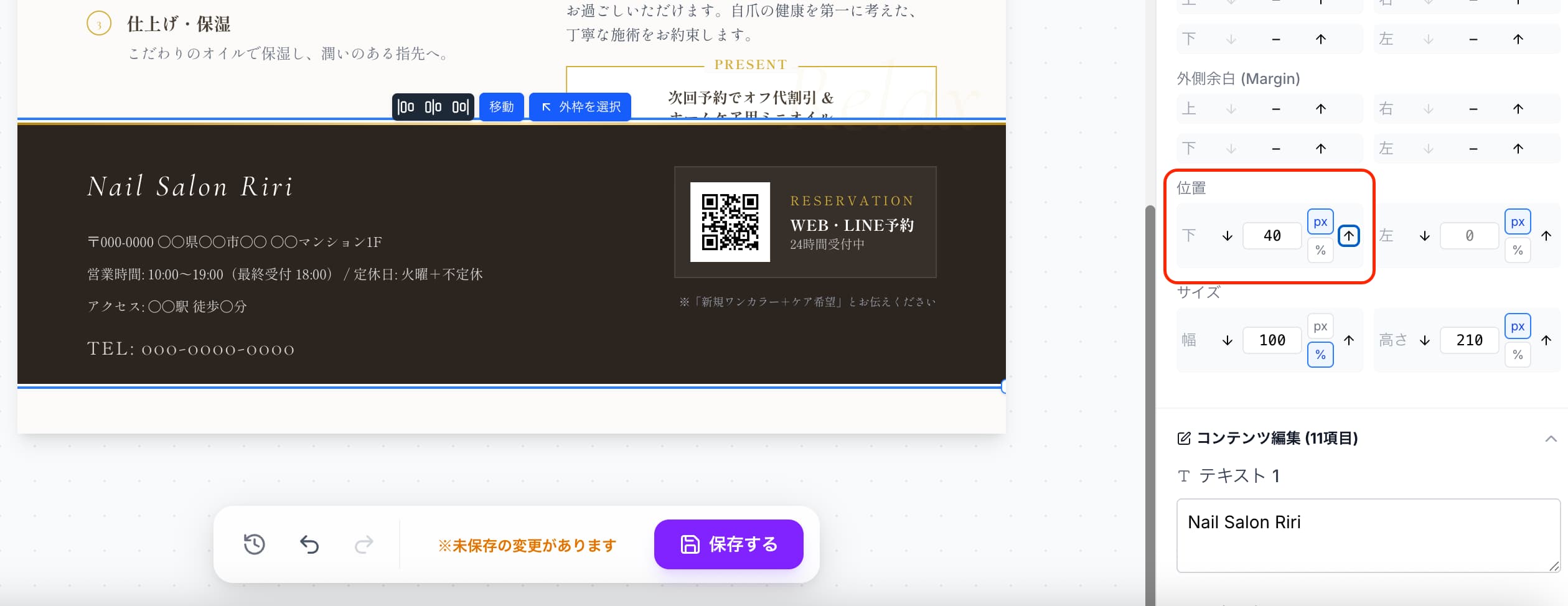
②You can move it using the up/down arrow buttons under "Position" in the right panel.
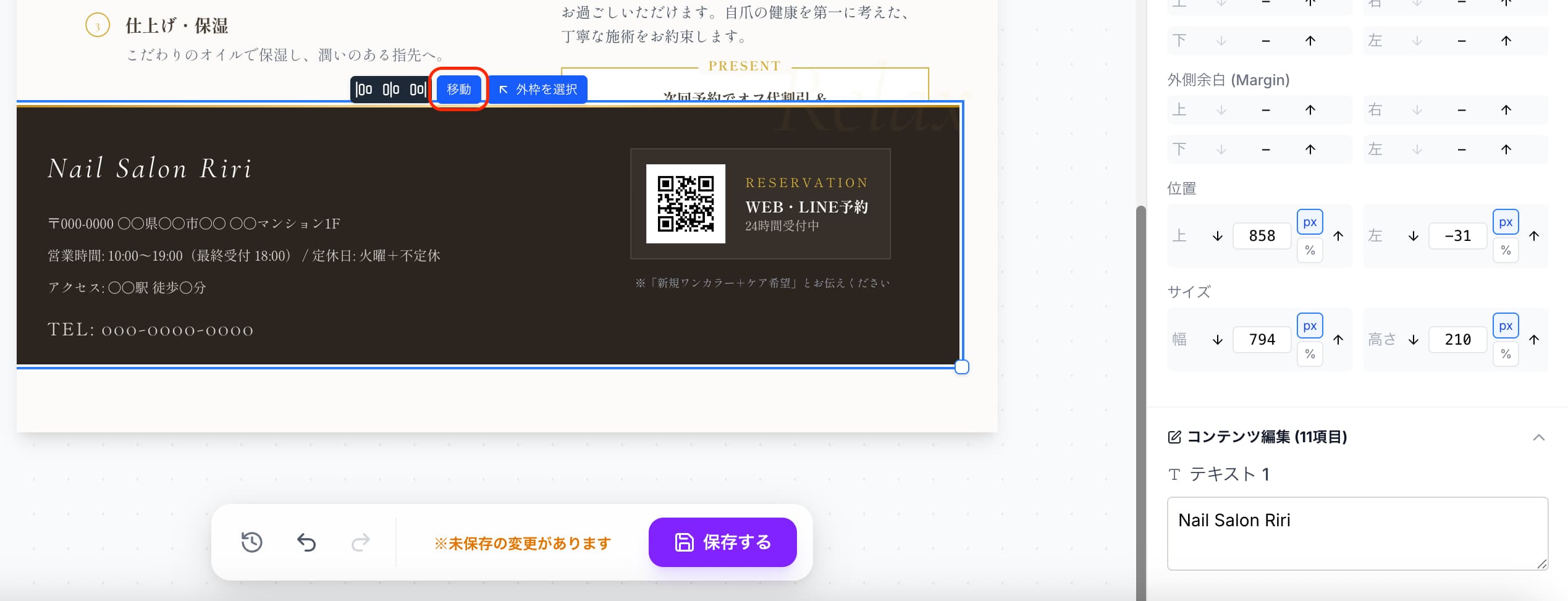
③Alternatively, you can move the part by holding the "Move" icon and dragging the cursor.
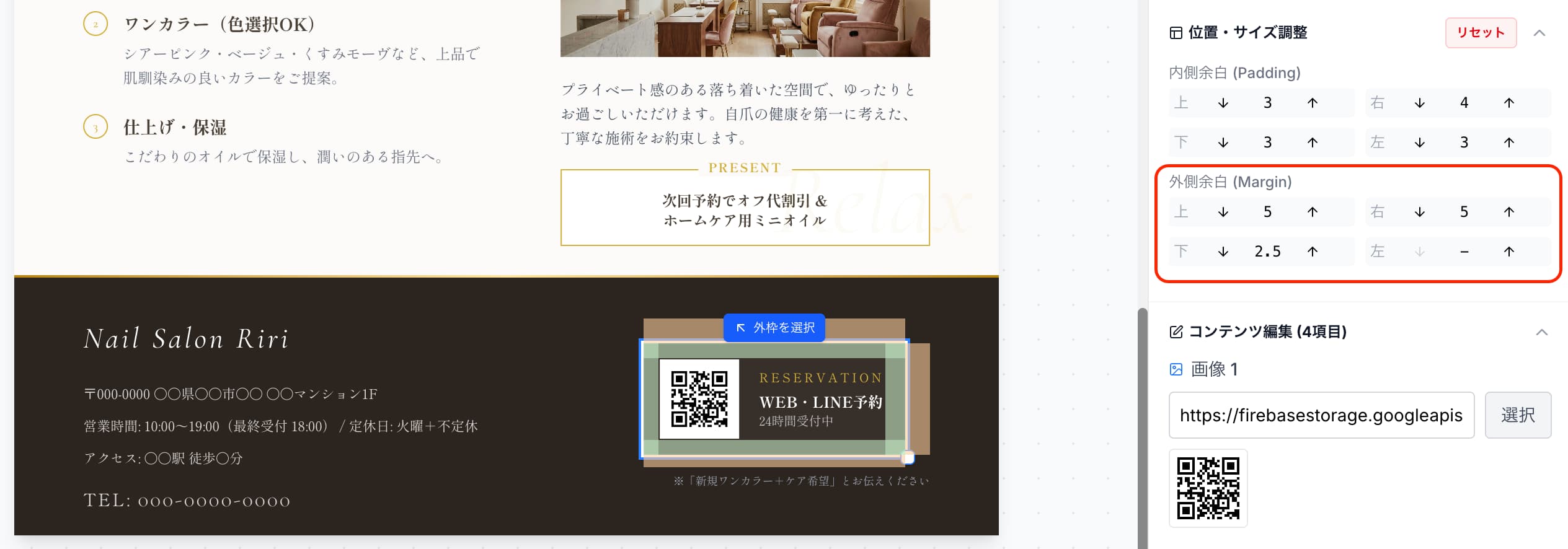
When a "Move" Icon Doesn't Appear
① Select the part you want to move.
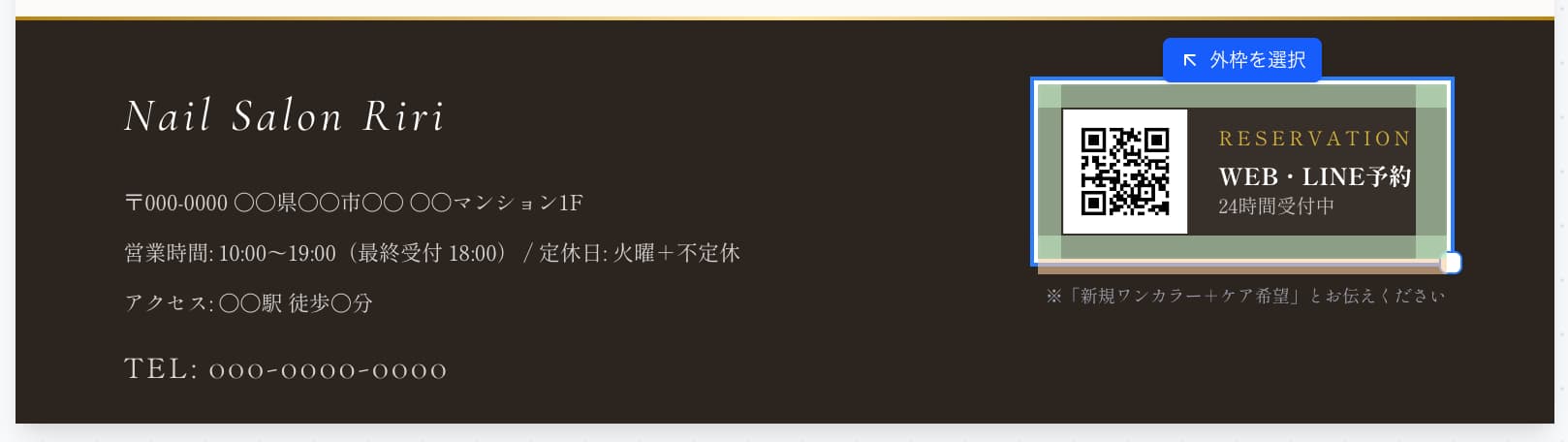
②If no "Move" icon appears, you can move it using the up/down/left/right arrows under "Outer Margin" in the right panel.